Five-Minute Games That Actually Run on a School Chromebook
Published · 1 min read

Most of the games here are HTML5 or WebGL builds, and a Chromebook can run them — but not all of them equally. This is what we found testing the line-up on a low-end laptop.
Runs smoothly as-is
- Elastic Man at Medium quality. High is fine on a newer Chromebook.
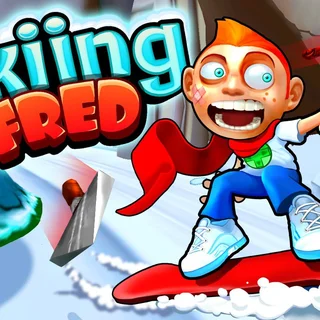
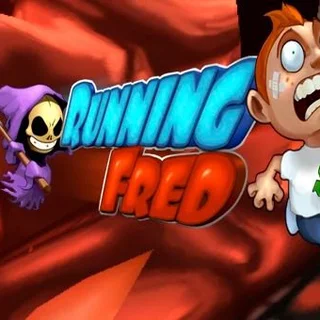
- Running Fred, Skiing Fred, Vex — 2D runners, no GPU load worth mentioning.
- Ludo Hero, Block the Pig, Merge Cakes — turn-based or click-driven, nothing to stutter.
Turn the quality down
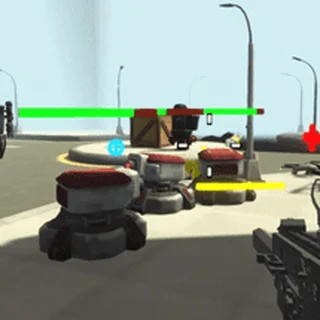
- Airport Clash 3D, Rocket Clash 3D, Sniper Clash 3D — the settings menu has a graphics slider; the lowest setting keeps the frame rate playable.
- Drive Mad, Eggy Car — fine, but close other tabs first: they use the GPU for the whole session.
General fixes
If a game loads and then freezes, reload once — WebGL builds sometimes fail to get a graphics context on the first try. Use the Fullscreen button under the player rather than the browser's zoom, which forces a re-render. And if a keyboard game ignores you, click inside the frame once; the page has to hand it focus.
More from the blog
- How Elastic Man's Face Works: Soft-Body Physics in the Browser
Why the cheek snaps back the way it does, what 'soft body' means, and why the eyes always lag a beat behind the skin.